You saved an article on your work laptop, reached for your phone to finish reading it, and it simply wasn't there. Or you got a new phone and a year of saved links vanished into a browser you no longer use. It feels like the technology failed you. Usually it didn't — it did exactly what it was built to do, which is the real problem.
The takeaway up front: browser bookmarks are tied to one browser's account, not to you. They sync well within that browser's world and fall off a cliff the moment you cross into another. So if you want to access bookmarks across devices reliably, the durable fix isn't a better sync setting — it's keeping your links in one home that sits above any single browser, so the device in your hand stops mattering.
Why bookmarks fail to cross devices
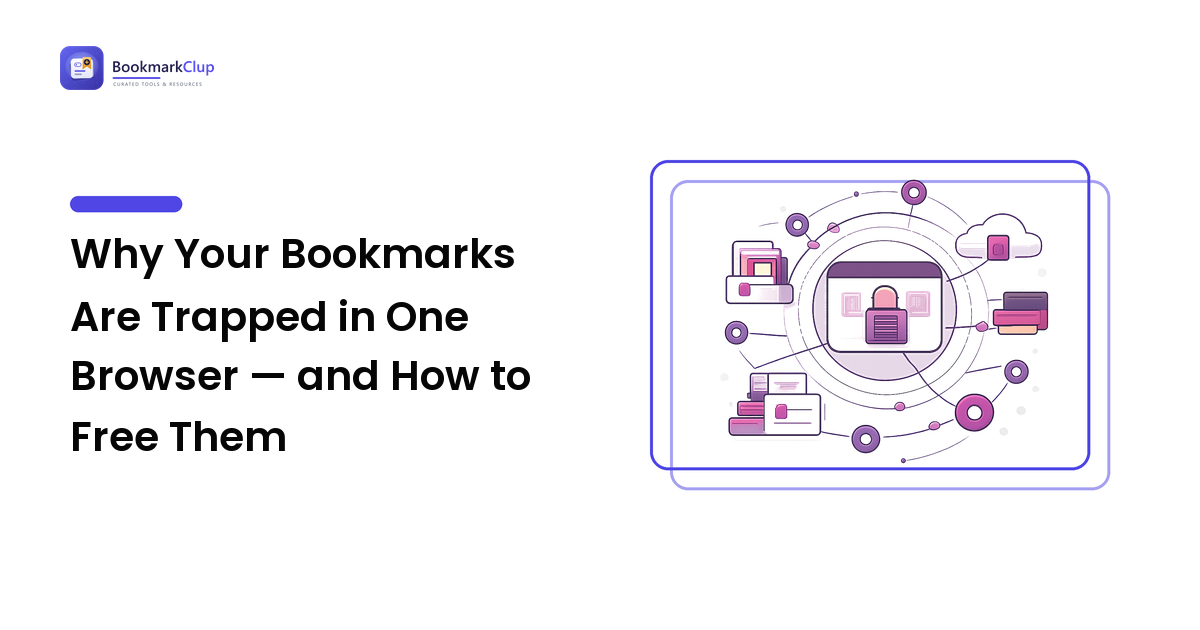
Every mainstream browser has its own sync system: Chrome through a Google account, Safari through iCloud, Firefox and Edge through theirs. Each works well on its own terms — but none talks to the others, so your bookmarks live inside whichever walled garden you saved them in.
Three failure modes follow, and recognizing yours tells you what to fix:
- Different browsers on the same device. Save in Chrome on your laptop, open Safari on the same laptop, and the link isn't there — the two browsers keep entirely separate bookmark stores that never share.
- Same browser, sync quietly off. Chrome on your laptop and Chrome on your phone match only if you're signed in and sync is on in both. A new phone, a different account, or sync toggled off on one side, and they silently drift apart — the classic "bookmarks not syncing" complaint, even though nothing is technically broken.
- A switch or an upgrade. You move from Android to iPhone, from Chrome to Edge, or onto a fresh machine, and your old bookmarks stay behind — the gap looks like data loss even though the links still exist where you no longer look.
In every case the bookmarks work inside one ecosystem; the failure is at the boundary — exactly where you live, hopping between a work computer, a personal laptop, and a phone of a different brand.
The "lock-in" trap that loses links for good
The deeper risk isn't a missing link on a Tuesday — it's the slow way browser bookmarks become a liability you notice too late. When all your saved links live in one browser account, that account becomes a single point of failure. Lose access to it, leave the company that owned the work profile, or switch platforms, and the bookmarks can become unreachable — a thousand links of research stranded in a browser nobody opens anymore.
There's a quieter cost too: because each browser is a sealed box, people unconsciously limit where they save. You skip bookmarking on your phone because you know it won't reach the laptop, so good mobile finds just disappear. Anchoring your library to one browser buys convenience today at the price of portability tomorrow — the wrong trade for anything you mean to keep for years.
The durable fix: one home above the browser
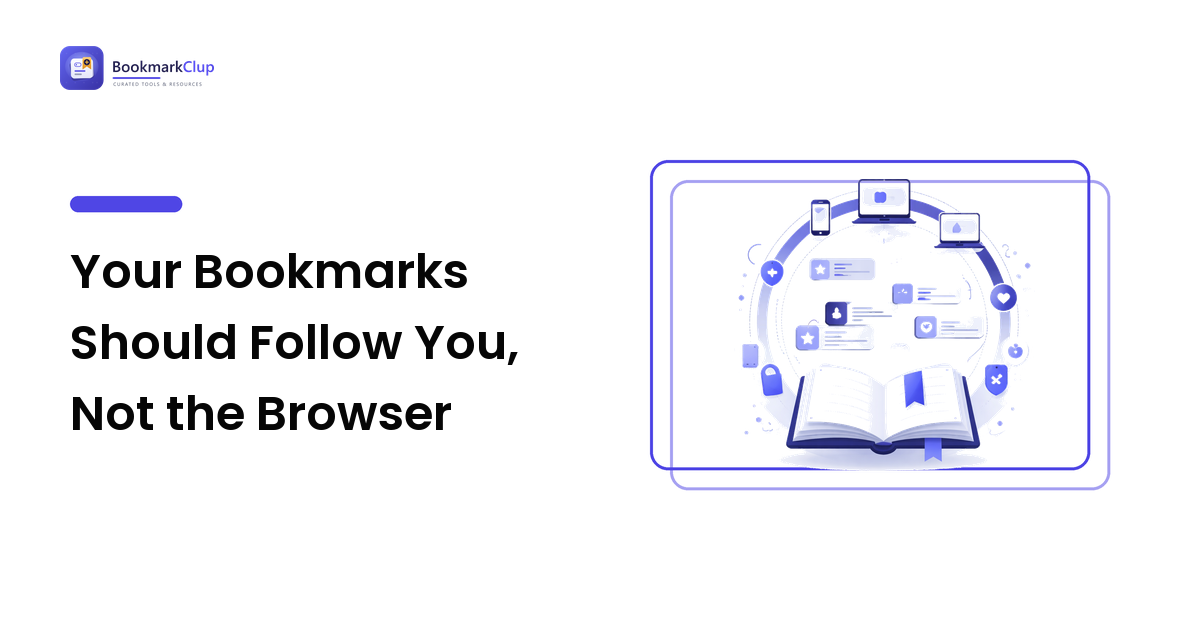
The reliable answer is to give your saved links a home of their own — a dedicated bookmarking layer you reach the same way from every device, so the browser is just one door into the room, not the room itself. This is the core idea behind a social bookmarking platform: your links live in one account that isn't owned by Chrome, Safari, or any operating system, and every device opens the same library. This is the practical way to sync bookmarks across browsers without fighting any of them — your cross-device bookmarks sit in neutral territory. It beats native sync because it doesn't care which browser or phone you use today or switch to next year — exactly the property browser sync can't offer, since being tied to one browser is its whole point.
What "good access from anywhere" actually requires
Whatever tool you choose, judge it against four practical needs, not a feature list:
- Save-anywhere capture. A desktop extension and a mobile share-sheet, so saving takes one tap — capture friction is the biggest reason a library goes stale.
- A web library you can open without installing anything. Reaching your links from a browser tab on someone else's machine is the real test of having your bookmarks on all devices, not just the ones you own.
- Search that works the same everywhere. Access only helps if you can find the link; consistent search and tags beat any number of folders.
- An export you can take with you. Being able to download your whole library is, paradoxically, why you can trust the tool.
A calm migration plan
You don't need to rebuild from scratch. The move from scattered to reachable-everywhere is short.
- Round up where your links live. List the browsers and accounts holding bookmarks today — Chrome on the laptop, Safari on the phone, maybe an old Firefox profile. Most people are surprised it's three or four places.
- Export each one. Every major browser exports bookmarks to an HTML file from its bookmark manager. Do this for each — it's also the backup you never had, so keep the files.
- Bring them into one home. Import those exports into your chosen tool, or add only the keepers by hand if it's a chance to declutter. Either way, you end with one library, not fragments.
- Change where you save going forward. Install the extension on each computer and the mobile capture option on your phone, then save there from now on. The browser bookmark bar becomes a place for a few daily-driver sites, not your archive.
- Keep one habit: the occasional export. Once a quarter, download a backup from your tool — a minute's work that ensures no account or platform switch can ever strand your library again.
FAQ
Why won't my bookmarks sync between my laptop and phone?
Almost always because the two devices aren't inside the same browser sync system — either they run different browsers, or the same browser with sync off or signed into a different account on one side. Confirm you're in the identical account with sync on for both, or move your library to a tool that isn't tied to any one browser.
Can I sync bookmarks across different browsers like Chrome and Safari?
Not natively in any reliable way — each browser keeps its bookmarks in a sealed store and won't share with a rival. You can export from one and import into another as a one-time copy, but they drift apart again immediately. The lasting solution is a dedicated tool every browser can reach.
Will I lose my bookmarks if I switch phones or browsers?
You can, because the links stay behind in the old account. Before any switch, export your bookmarks to an HTML file from each browser's bookmark manager so you have a copy in hand. Better still, keep your library in a browser-independent tool, so a new phone is just another door into it.
Is browser sync or a bookmarking tool better for using links on every device?
It depends how mixed your devices are. If you live entirely in one ecosystem — all Apple, or Chrome everywhere — native sync is simple and may be enough. The moment you mix browsers or operating systems, or want access from machines that aren't yours, a neutral bookmarking tool wins, because it isn't locked to one browser.
How do I back up my bookmarks so I never lose them?
Export to an HTML file from your browser's bookmark manager and store it somewhere safe like cloud storage. If you use a dedicated bookmarking tool, download its export on a regular schedule — once a quarter is plenty. The habit that protects you isn't a clever setting; it's a portable copy that doesn't depend on any one account.
Next step
Stop letting the device in your hand decide which links you can reach. Pick one home for your saved links that lives above any single browser, export what's scattered across your browsers into it, and save there from now on. Do that once and "where did I save that?" stops depending on whether you're holding the laptop or the phone — the answer is simply in my library, on whatever I'm using. Set yours up at bookmarkclup.com.