The problem announces itself at the worst moment. You are on the sofa with your phone, finally ready to read the article you saved this morning — and it is not there, because you saved it on the work laptop, in a different browser, under a different account. The library exists. You just cannot reach it from where you are.
This happens more now than it used to, for a simple reason: most of us live across more machines than ever. A work laptop and a personal one. A phone from one ecosystem and a tablet from another. A browser you use because your job requires it and a different one you actually prefer — and every one of them offers to save your links, in its own silo, under its own login.
Here is the idea this whole guide rests on: access is not a feature you switch on later. It is a property of where your library lives. Choose that home deliberately and everything else — sync, portability, privacy, permanence — mostly takes care of itself. Let it be chosen for you, one convenient save at a time, and you end up with fragments of a library scattered across accounts you half remember.
This is the map of the territory. Each section below covers one part of what "reach your bookmarks everywhere" really means, and points to a deeper guide where one exists.
Why bookmarks get stuck in one place
Browser sync works — inside one browser, signed into one account. The moment you cross either boundary, it stops. Your links do not follow you; they follow the browser-plus-account pair you happened to be using when you clicked save. Add a second browser at work, a school account, or a family member's profile on a shared machine, and you have several small libraries, none complete.
The failure is quiet. Nothing warns you that the link you are saving will be invisible from your phone tonight. You only discover the walls when you go looking. If this is the problem that brought you here, the full diagnosis and the fix are in why your bookmarks won't sync across devices — the short version is that the durable answer lives one level above any single browser.
Same library on every device: what sync actually promises
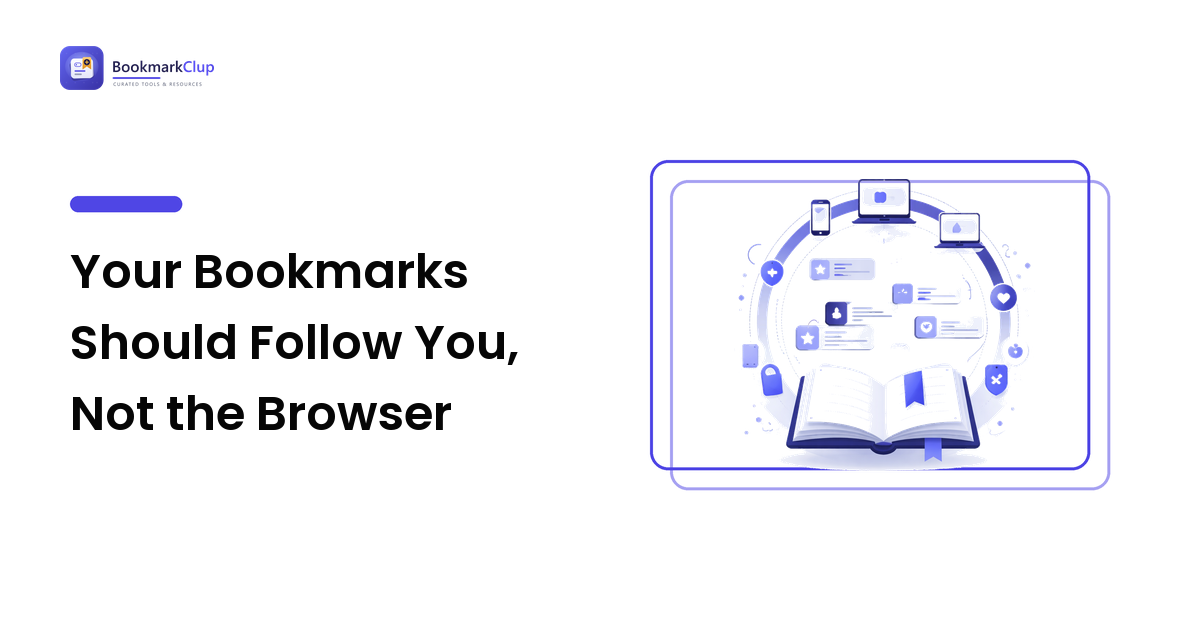
When sync works, what you should get is simple: save once, find it anywhere, in the same state, with the same tags. That is the whole promise — and it is worth being demanding about, because half-working sync is worse than none. A library you only mostly trust is a library you stop using.
Two things are worth understanding before you rely on any sync:
- Sync keeps every device identical — which is the point, and also the catch. Delete or mangle something on one machine and the change travels to all of them just as faithfully as a save does. If something goes wrong on one machine, sync faithfully delivers the damage everywhere.
- Sync follows an account, not a person. Whatever you sign into is where the library lives. One account, chosen on purpose, that works on every device you own — that is the test.
A dedicated bookmarking service clears this bar more naturally than a browser does, because reaching your links from anywhere is its whole job rather than a feature bolted onto something else.
Portability: judge the exit before you admire the entrance
Every tool makes it easy to put links in. The question that separates a real home from a trap is how easily you can take them out — complete, with tags and structure, in a format another tool can read.
Portability matters even if you never plan to leave. Tools shut down, change owners, or change prices, and your reading library should outlive all of that. It is also your insurance against the lock-in trap: the more you save into a silo, the more expensive it feels to escape it, which is precisely how people end up with a thousand links held hostage by a browser they no longer like.
The practical skill here is knowing how to export, import, and back up your collection — covered step by step in how to free bookmarks trapped in one browser. Do a test export once, early, before you have saved enough to be afraid.
Access cuts both ways: who else can reach your library?
"Reach your bookmarks from anywhere" has a shadow side: from where else, and by whom? A bookmark library is a candid record of what you are researching — health questions, a job hunt, a business idea, a competitor. Making it available on every device usually means putting it in someone's cloud, and that is a decision worth making with open eyes rather than by default.
This does not mean choosing between convenience and privacy. It means knowing which of your saves are sensitive, understanding how the everyday leaks happen — shared machines, public profiles, synced accounts that outlive a job — and keeping a private shelf where it counts. The full treatment is in private bookmarking.
Reachable link, vanished page
There is one access failure sync cannot fix: the bookmark opens perfectly on every device, and the page behind it is gone. Sites close, articles move, paywalls descend. A library of links is a library of pointers, and pointers decay.
For most saves this is an acceptable risk. For the ones you would genuinely miss — the reference you cite, the guide you return to every year — access means keeping the content, not just the address: an offline copy, a saved snapshot, a captured version that no longer depends on someone else's server. When and how to do that is covered in saving the page before the link dies.
Choosing the home: the one decision that settles the rest
Everything above collapses into a single choice — where does your library live? Judge any candidate home against four questions:
- Reachable — can you open it on every device and browser you actually use, today?
- Portable — can you export everything, with tags, in a standard format?
- Private — can you control what is visible, and to whom?
- Durable — can you keep a copy that survives the tool itself?
A browser answers the first question only if you live entirely inside its walls, and struggles with the rest. A dedicated bookmark manager or bookmarking service is built around these questions — which is why the honest comparison usually lands there for anyone who saves seriously across devices. If you are weighing options, how to choose a bookmark manager walks through the trade-offs without the vendor gloss.
FAQ
Why don't my bookmarks show up on my other device?
Almost always because the two devices are not in the same silo: a different browser, or the same browser signed into a different account. Browser sync only works inside one browser-and-account pair. The reliable fix is a library that lives above the browser and is reached by logging in from anywhere.
Is browser sync enough if I only use one browser?
It can be, today — but it quietly bets your library on never changing browsers, employers, or ecosystems. Even happy single-browser users should export a backup copy now and then, because sync mirrors deletions and mistakes just as faithfully as saves.
How do I move my bookmarks from one browser to another?
Every major browser can export bookmarks to a standard HTML file and import one. Export from the old home, import into the new one, then tidy. Do a test export before you need it — the day you are forced to move is the wrong day to learn the mechanics.
Are my synced bookmarks private?
They are as private as the account and service holding them. Treat the library as a record of your reading and research — because it is — and keep genuinely sensitive saves on a shelf you have deliberately secured rather than wherever the save button happened to point.
Next step
Pick the one home your library will live in — judged on reachable, portable, private, and durable, not on whichever save button is closest — and route every device to it. If you want a home built around exactly those four questions, with your links searchable from any browser on any device, start your library at BookmarkClup.